
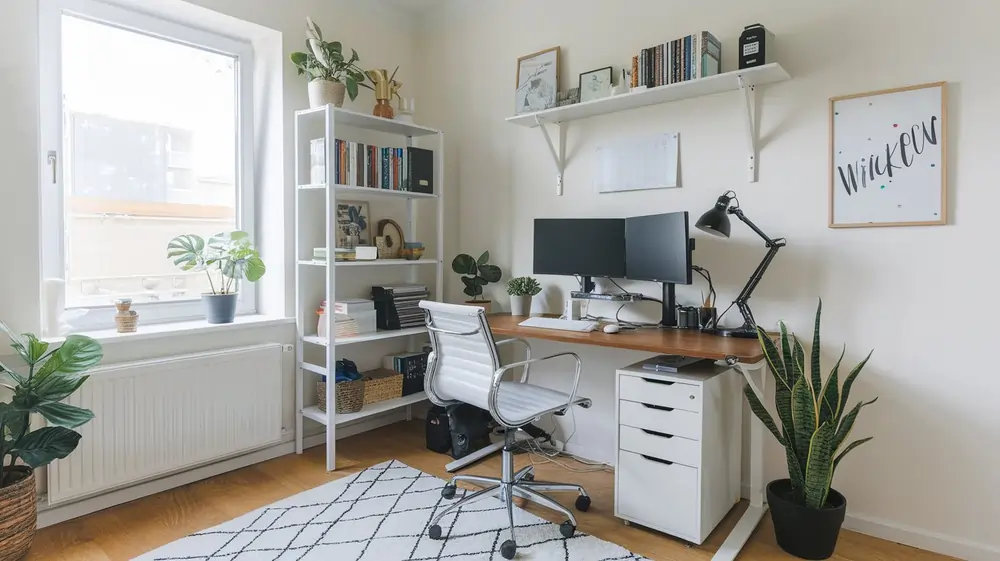
Creating the perfect home office setup has become essential as remote work continues to evolve. Whether you’re working from home temporarily or permanently, a dedicated home office space can dramatically improve your work experience. This comprehensive guide will help you create a productive workspace that’s both functional and aesthetically pleasing, ensuring you can work efficiently without interruptions.
Working from home has become the new norm for millions worldwide, and having the right home office setup can make or break your productivity.
Studies show that a well-designed workspace can significantly impact productivity and job satisfaction?
Whether you’re a seasoned remote worker or just starting, designing a functional and comfortable home office is key. In this guide, we’ll walk you through everything from choosing ergonomic furniture to integrating the latest tech for a workspace that inspires focus and creativity.
Let’s dive in and create your dream setup!
What are the essential components of the best home office setup?
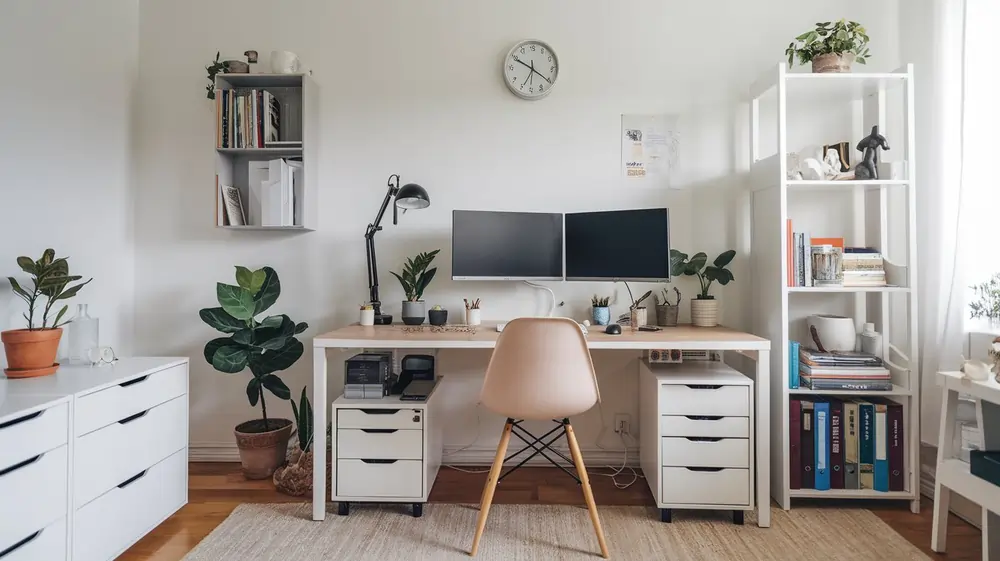
Every dedicated office starts with fundamental elements that make for an excellent foundation for productivity.
Let’s explore the key components that create your ideal workspace.
How to choose the right desk for your home office?
A well-built, height-adjustable desk is crucial for maintaining proper ergonomics, whether you prefer sitting or standing. Modern desks with electric or pneumatic height adjustment are easy to set up and can help reduce musculoskeletal strain and improve posture. If you have less space, consider compact options that are still large enough to accommodate your office equipment.
Take regular breaks: Follow the 20-20-20 rule to reduce eye strain: every 20 minutes, look at something 20 feet away for 20 seconds. Schedule movement breaks every hour to stretch and walk. Consider apps like Stretchly, EyeLeo, or Workrave to remind you.
What monitor setup is ideal for productivity?
When it comes to displays, you have several options. An ultrawide monitor or dual-monitor setup can significantly boost productivity. Popular choices include LG and Dell monitors with 4K resolution. A 27-inch display often provides the perfect balance between screen real estate and desk space. Some users might also like incorporating an iPad Pro with Sidecar (for Mac users) or Duet Display (for Windows/PC) as a secondary display.
Which ergonomic chair should you invest in?
A quality chair with proper lumbar support and backrest adjustment is essential. Look for chairs with adjustable lumbar support, seat depth, armrests (4D adjustment), and headrest. Industry-leading options include the Herman Miller Aeron, Steelcase Leap, or Secretlab Titan for different budgets. Your chair should be adjustable to maintain proper spinal alignment and comfort during long work sessions. To prevent eye strain, ensure your monitor is positioned at arm’s length with the top of the screen at or slightly below eye level.
How can you optimize your workspace for maximum productivity?
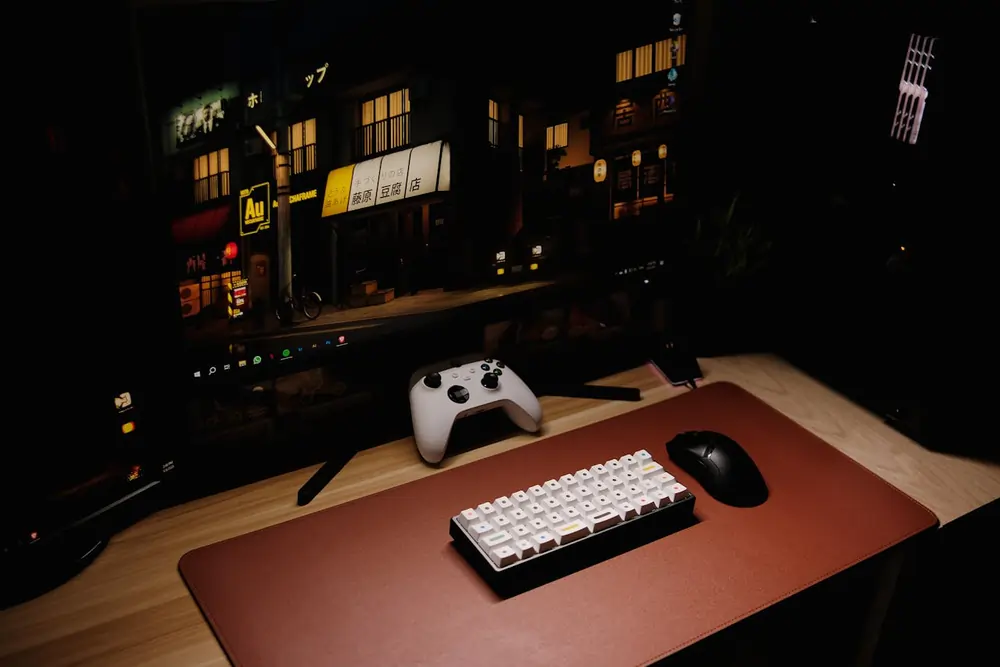
Optimizing your workspace requires attention to both function and environment. Start by decluttering, investing in ergonomic furniture, and ensuring proper lighting. Strategic additions like plants can improve air quality and reduce stress, while layered lighting (ambient, task, and accent) reduces eye fatigue.
What are the best practices for organizing your home office?
Organization is key to maintaining a productive environment that separates your work and personal life. Create a checklist for essential items and ensure everything has its place. A clean, organized space can help you maintain focus and work efficiently.
How to create an efficient workflow in your home setup?
Efficiency in your working space relies on the proper arrangement of your home office equipment. Apply the ‘zone method’: place frequently-used items (keyboard, mouse, phone, notebook) within the primary reach zone (forearm’s length), secondary items (reference materials, tablet) in the secondary zone (full arm extension), and rarely-used items in storage. Use tools like calendar blocking (Google Calendar, Outlook), task management apps (Todoist, TickTick, or Microsoft To Do), and focus timers based on the Pomodoro Technique to manage your time effectively.
What role does natural light play in your home office?
Natural light can reduce the amount of artificial lighting needed and improve your mood. Position your desk to take advantage of natural light while avoiding glare on your large screen displays.
What about artificial lighting?
xWhen natural light isn’t sufficient, use layered lighting: ambient (overhead), task (desk lamp like the BenQ ScreenBar or Philips Hue), and accent lighting. Aim for 300-500 lux for general office work, with color temperature of 4000K-5000K (cool white) during work hours to maintain alertness, switching to warmer 2700K-3000K in evenings to support circadian rhythm.
What technology and gadgets are must-haves for a modern home office?
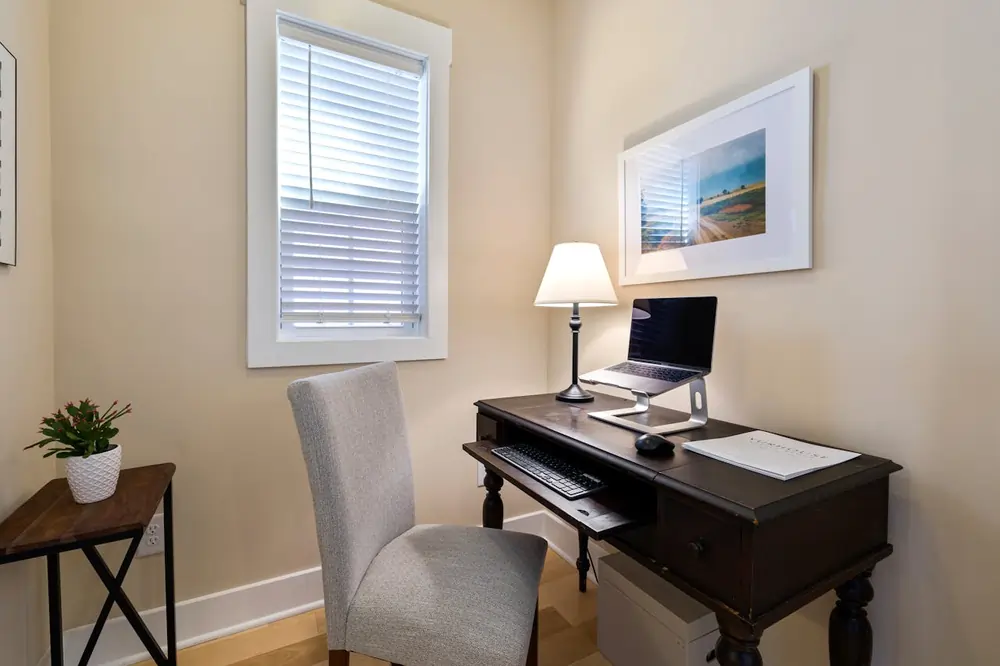
Which laptop stand and accessories improve your work-from-home experience?
A MacBook Pro or similar laptop, paired with accessories like a wireless mechanical keyboard (such as Keychron K2/K3 or Logitech MX Keys) and the MX Master 3S mouse from Logitech, can enhance your WFH setup. Add a quality laptop stand (Rain Design mStand or Roost) to achieve proper screen height. Consider adding a printer for when physical documents are necessary.
How to set up dual monitors for enhanced productivity?
Popular monitors from ASUS, Dell (UltraSharp series), and LG (UltraFine series) offer excellent color accuracy, 4K resolution, and USB-C connectivity with power delivery, making them ideal for productivity. Look for IPS panels with 99% sRGB coverage for color-critical work. Ensure your setup includes a reliable power strip to handle multiple devices.
What are the best webcam and audio solutions for video conferencing?
For video calls and Zoom meetings, a quality webcam and microphone are essential. The Blue Yeti microphone is highly regarded for its audio quality. Some setups may include dedicated lighting like the Elgato Key Light or a simple ring light positioned at eye level for better video appearance. Natural light from a window facing you (not behind you) provides the most flattering illumination.
Internet connectivity
A reliable high-speed internet connection is foundational. Aim for at least 25 Mbps download and 5 Mbps upload for video conferencing. Consider a mesh Wi-Fi system (Eero, Google Nest Wifi, or TP-Link Deco) for consistent coverage, and always have a backup (mobile hotspot or secondary ISP) for critical work.
How to create an ergonomic home office setup?
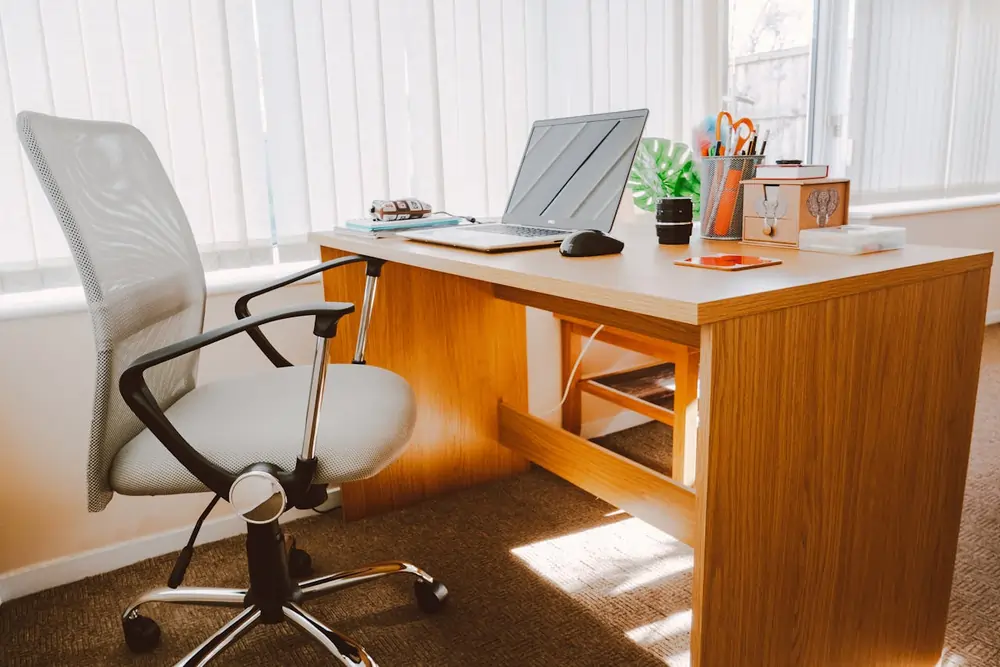
Creating an ergonomic workspace isn’t complete without proper attention to positioning and equipment. Follow our tips to maintain comfort and prevent strain.
What are the benefits of using a standing desk?
Standing desks can help alleviate health issues associated with prolonged sitting, including lower back pain and reduced metabolic rate. Research suggests alternating between sitting and standing every 30-60 minutes. Top-rated options include the Uplift V2, Fully Jarvis, and IKEA Bekant for different budgets. Look for desks with memory presets and anti-collision features.
How to properly position your keyboard and mouse?
Proper positioning of your keyboard and mouse can prevent repetitive strain injuries like carpal tunnel syndrome. Keep elbows at 90-110 degrees, wrists straight (not bent up/down or side-to-side), and shoulders relaxed. Consider an ergonomic keyboard (Microsoft Sculpt, Logitech Ergo K860, or split keyboards like Kinesis Advantage) and a vertical mouse (Logitech MX Vertical or Anker Vertical) if you experience discomfort. Ensure your desk is at the right height for comfortable typing.
What ergonomic accessories can help prevent work-related injuries?
Ergonomic accessories can significantly improve comfort and prevent injury. Essential additions include: monitor arms (Ergotron LX or Amazon Basics) to position screens at eye level, document holders to reduce neck strain, footrests for proper leg positioning, and laptop cooling pads. For wrist support, use palm rests only during breaks—not while typing—to maintain neutral wrist position.
How to manage cables and keep your home office tidy?
- Cable Management: Cable management solutions can transform a messy desk into an organized workspace. Essential tools include: under-desk cable trays, adhesive cable clips, cable sleeves (J-Channel or neoprene), velcro cable ties, and a powered USB hub to reduce cable clutter. Label both ends of cables for easy troubleshooting.
- Organize Multiple Devices: Proper organization of devices ensures your best office setup remains clutter-free and functional.
What software and tools can enhance your work-from-home productivity?
Which project management and to-do list apps are essential?
Managing your inbox and tasks effectively requires the right software tools. Essential categories include: project management (Asana, Monday.com, ClickUp, or Notion), communication (Slack, Microsoft Teams), cloud storage (Google Drive, Dropbox, OneDrive), and password managers (1Password, Bitwarden, LastPass). Choose applications that integrate well with your workflow through native integrations or tools like Zapier.
How to use time management techniques to improve your workday?
Implementing time management techniques can help you maintain productivity throughout the day. Proven methods include: the Pomodoro Technique (25-minute focused work sessions), time blocking (dedicating specific hours to specific tasks), and the 2-minute rule (if it takes less than 2 minutes, do it now). Apps like RescueTime or Toggl can track how you actually spend your time, while Forest or Freedom help eliminate digital distractions.
What security measures should you implement for your home office?
Security is crucial when working remotely. Essential measures include: using a password manager with multi-factor authentication (MFA) via apps like Authy, Google Authenticator, or Microsoft Authenticator; enabling VPN (Virtual Private Network) when accessing company resources; keeping software updated; using encrypted cloud storage; and securing your Wi-Fi network with WPA3 encryption. Never use public Wi-Fi without a VPN for work tasks.
Conclusion
A well-designed home office setup isn’t just about aesthetics—it’s an investment in your productivity, comfort, and overall well-being. By choosing the right space, furniture, tech, and décor, you can create a workspace that truly supports your needs. Remember, small adjustments can make a big difference! Start with one or two changes this week, then iterate based on what works for your body and workflow. What’s your biggest home office challenge? Share your setup ideas or questions in the comments below.
Let’s collaborate to make working from home a breeze!
By following these guidelines and investing in quality equipment, you can create a home office that enhances your productivity while maintaining comfort and professionalism. Remember, the perfect setup works for your specific needs and can adapt as those needs change.